
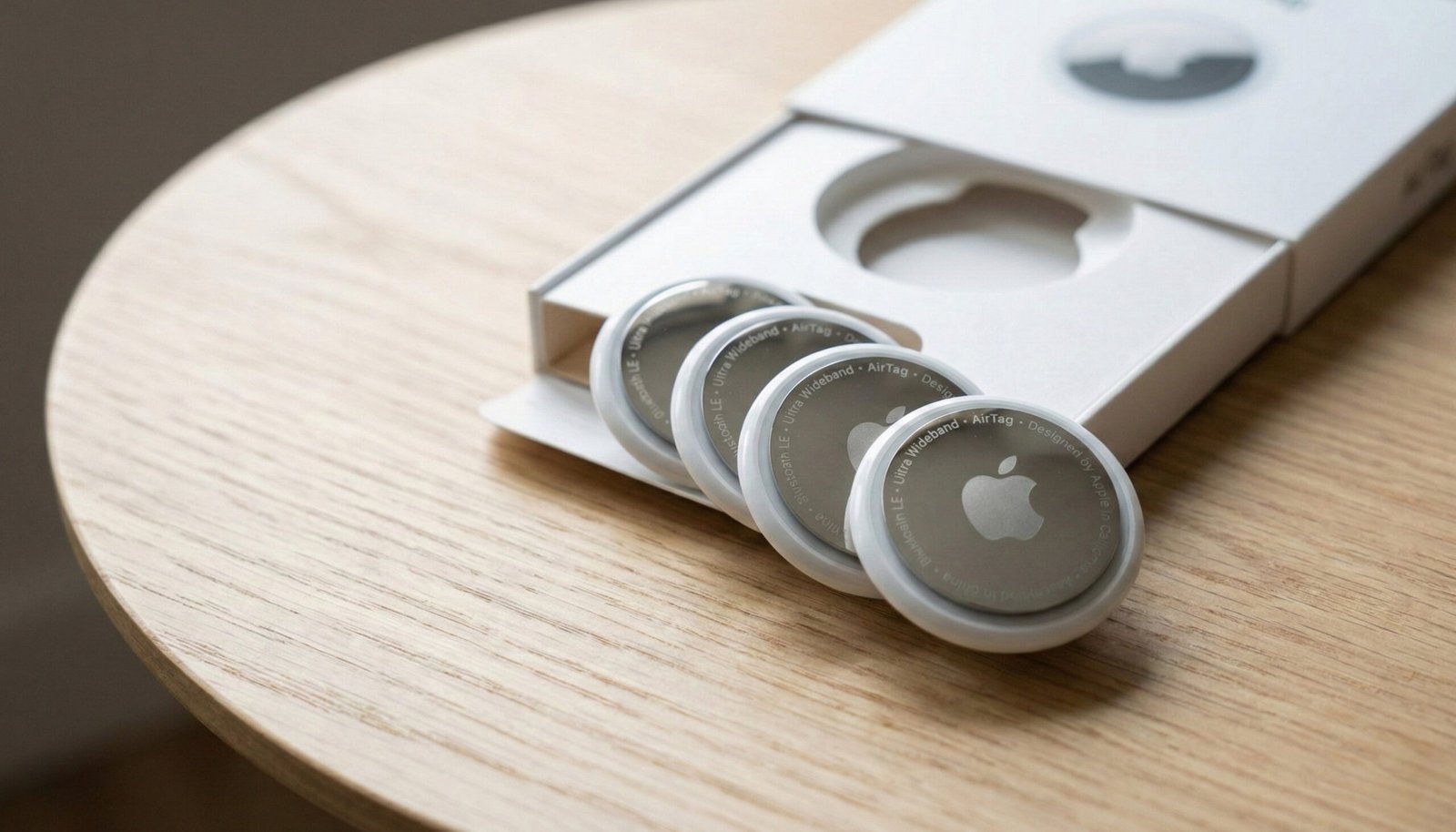
Have you ever experienced that mini heart attack when you pat your pocket and don’t feel your wallet? Or that frantic five minutes in the morning, turning cushions upside down, looking for your car keys? We have all been there. It’s frustrating, time-consuming, and stressful. Enter the Apple AirTag. While item trackers aren’t new, Apple’s integration of the AirTag into its massive “Find My” network has changed the game completely. Specifically, the 4-Pack option offers the best value to secure your most important valuables—keys, wallet, backpack, and luggage—in one go.
In this review, we dive deep into why the AirTag is the gold standard for iPhone users, how it performs in the real world, and whether the 4-pack is worth the investment.
Introduction
The premise of the Apple AirTag is simple: attach it to something you don’t want to lose, and use your iPhone to find it. But the magic lies in how it does this. Unlike traditional trackers that rely solely on Bluetooth range, AirTag leverages hundreds of millions of Apple devices worldwide to pinpoint your lost item’s location anonymously.
If you are an iPhone user, the AirTag 4-Pack isn’t just an accessory; it’s peace of mind. Whether you are a frequent traveler worried about lost luggage or just someone who constantly misplaces their keys at home, this tiny disc is designed to solve that problem with distinct Apple elegance.
Comparison Table: AirTag vs. The Competition
Before we get into the details, let’s see how the AirTag stacks up against the buying options and its main competitor.
| Feature | Apple AirTag (4-Pack) | Apple AirTag (1-Pack) | Tile Mate (2024) |
| Best For | Full Ecosystem Coverage | Trial / Single Item | Android & iPhone Users |
| Tracking Tech | Bluetooth + Ultra Wideband (UWB) | Bluetooth + UWB | Bluetooth Only |
| Network | Apple “Find My” (Billions of devices) | Apple “Find My” | Tile Network |
| Precision Finding | Yes (Points via Camera/AR) | Yes | No |
| Battery Life | 1 Year+ (Replaceable CR2032) | 1 Year+ (Replaceable) | Up to 3 Years (Non-replaceable) |
| Water Resistance | IP67 (Splash, Water, Dust) | IP67 | IP67 |
| Price Value | Best Value (~$25 per tag) | Expensive (~$29 per tag) | Affordable |
Quick Pick Section
Why Buy the 4-Pack?
If you have multiple items to track, the 4-Pack is a “no-brainer.” Mathematically, you save significantly per tag compared to buying them individually. It allows you to instantly secure your “Holy Quartet” of essentials:
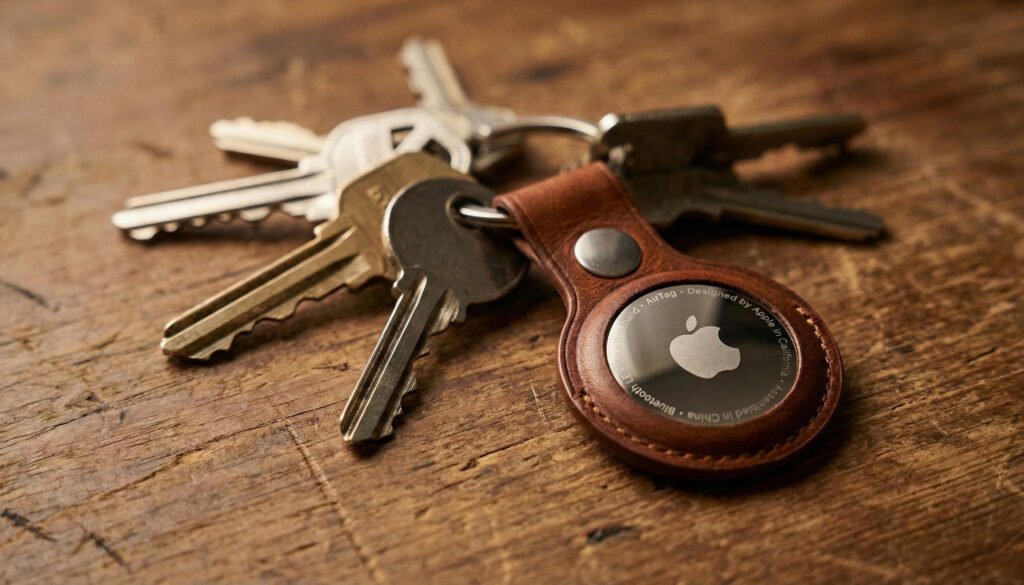
- Keys (Home/Car)
- Wallet (Using a holder or slim pouch)
- Backpack/Laptop Bag
- Luggage (Essential for travel)
Verdict: If you own an iPhone 11 or later, the Precision Finding feature alone makes this the best tracker on the market.
Detailed Review
Let’s break down the Apple AirTag based on performance, design, and daily usability.
1. Design and Durability
The AirTag is small—about the size of a coat button. It features a glossy white plastic front and a polished stainless steel back. It looks premium, but there is a catch: the stainless steel scratches easily. However, since this is a tool meant to be tossed in bags and pockets, the scratches don’t affect performance.
It is rated IP67, meaning it can survive being submerged in water up to 1 meter for 30 minutes. So, if you drop your keys in a puddle, your AirTag will survive.
2. Setup: The “Apple Magic”
This is where Apple shines. There are no complicated apps to download or accounts to create. You simply pull the plastic tab to activate the battery and hold it near your iPhone. A card pops up on your screen asking you to connect. You name it (e.g., “Keys” or “Backpack”), and that’s it. It takes less than 30 seconds to set up all four tags.
3. Precision Finding (The Killer Feature)
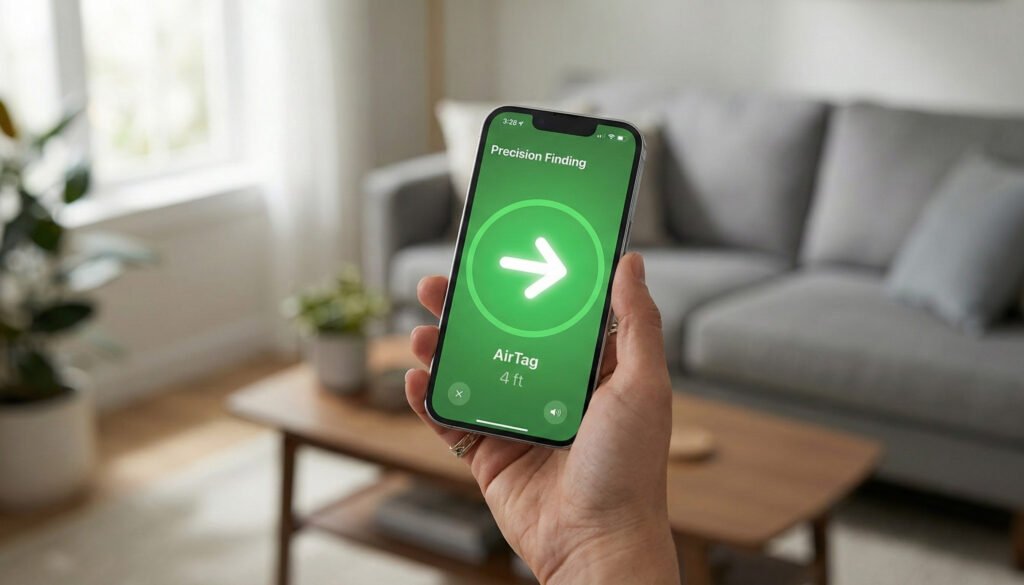
If you are within Bluetooth range (usually inside your house), you don’t just get a beep. If you have an iPhone 11 or newer, you can use Precision Finding.
Using Ultra Wideband (UWB) technology, your phone screen becomes a compass. It will literally say “15 ft to your right” and the arrow will guide you directly to the cushion where your keys are hiding. It is incredibly accurate and futuristic.
4. The “Find My” Network
What if you leave your bag in a cafe or, worse, another country? This is where AirTag destroys the competition.
You don’t need to be near the tag. If any stranger with an iPhone walks past your lost bag, their phone silently and anonymously picks up the AirTag’s signal and updates the location on your map. Given there are over a billion iPhones in use, the coverage is practically global.
5. Privacy and Safety
Apple has built-in anti-stalking features. If someone else’s AirTag is in your bag and moving with you, your iPhone will alert you that an “AirTag Found Moving With You.” If you don’t find it, the tag will start playing a sound. This makes it safe to use without worrying about misuse.
Reviews: What Users Are Saying
We analyzed hundreds of user reviews to give you a balanced perspective.
👍 The Good (Pros):
- Set and Forget: The battery lasts over a year, and the iPhone alerts you when it’s time to change it (which is a cheap CR2032 battery).
- Loud Speaker: The built-in speaker is surprisingly loud, making it easy to hear from under a pile of laundry.
- Global Reach: Users have successfully tracked luggage across continents using the Find My network.
👎 The Bad (Cons):
- Accessories Required: The AirTag has no hole for a keyring. You must buy a separate keychain, loop, or holder to attach it to anything, which adds to the cost.
- Scratches: As mentioned, the chrome back gets scuffed very quickly.
- No History: Unlike some GPS trackers, you cannot see a “history” of where the tag has been, only where it is right now.
Buyer’s Guide
Who is this for?
- The Forgetful: If you lose your keys or wallet at least once a week.
- Travelers: Putting an AirTag in your checked luggage is the best travel hack of the decade. You will know your bag landed before the airline does.
- Parents: Great for tracking school backpacks (though Apple doesn’t officially recommend it for tracking children).
Who is this NOT for?
- Android Users: The AirTag is useless without an iOS device. If you have an Android, look at Tile or Samsung SmartTags.
- Theft Prevention: While it helps recover lost items, it is not an anti-theft device. A thief can remove the battery if they find it.
Things to Consider
Before you hit the “Buy” button on the 4-Pack, consider these factors:
- Accessory Cost: Since the 4-pack comes with just the discs, you will need to budget for keychains or mounts. There are many affordable third-party options on Amazon if you don’t want to buy the expensive Apple leather keyrings.
- Battery Replacement: The battery is a standard CR2032 coin cell. It is user-replaceable, so you don’t need to throw the device away when the battery dies (unlike older Tile models).
- Privacy Alerts: If you share keys with a spouse, ensure you add them to your “Family Sharing” group in the Find My app, otherwise, their phone might alert them that your keys are tracking them.
How Did We Choose?
To recommend this product, we focused on Real-World Reliability.
We didn’t just look at specs; we looked at:
- Signal Range: Testing how far away the Precision Finding works (reliable up to 25-30 feet indoors).
- Network Density: Assessing how quickly a “Lost” tag updates its location in a busy city vs. a rural area.
- Ease of Maintenance: How easy is it to open the back and swap the battery? (It takes a simple twist).
- Value: Comparing the cost of a 4-pack vs. buying four individual tags revealed a significant saving of roughly 20-25%.
Pro Tips
Want to get the most from your AirTag 4-Pack? Try these tips:
- Name It with Emojis: When setting up, you can use Emojis in the name. It makes looking at the map fun and easier to distinguish between “🧳 Luggage” and “🔑 Keys”.
- Create Automation: You can use the “Shortcuts” app on iPhone to trigger actions when an AirTag is detected, though this is an advanced feature.
- Remove the Speaker (Advanced): Some users who use AirTags for anti-theft on bikes modify them to remove the speaker so thieves can’t hear the beeping. (Note: This voids warranty).
- Use Siri: You don’t always need to open the app. Just say, “Hey Siri, find my wallet,” and the AirTag will start chirping immediately.
Topic Specific Guides
1. For Travelers: The Luggage Hack
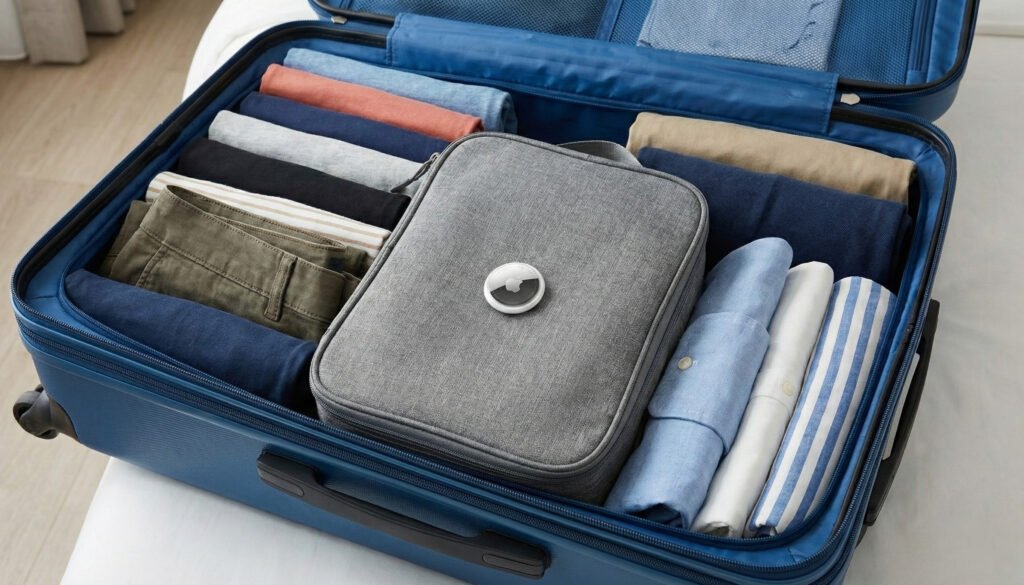
Place one AirTag inside the lining of your suitcase, not on the outside, where it can be ripped off. When you land, open the Find My app. You will see your bag moving on the tarmac before it hits the carousel.
2. For Car Owners: Never Forget Where You Parked
Leave one AirTag hidden in your car’s glove box or under a seat. In massive parking lots or unfamiliar cities, you can use the Find My app to walk straight back to your car. It is much more reliable than dropping a pin on Maps.
3. For Pet Owners (Unofficial)
Apple advises against using AirTags for pets because they are not real-time GPS trackers. However, attaching one to a dog’s collar is very popular. Tip: It works best in cities where there are many iPhones around to pick up the signal. In the deep woods, it may not update often.
Conclusion
The Apple AirTag 4-Pack is a prime example of technology that just works. It solves a universal problem—losing things—with an elegant, affordable, and highly effective solution. For iPhone users, the integration into the ecosystem is seamless.
While the need to buy separate accessories is a minor annoyance, the utility provided by the Precision Finding and the massive Find My network outweighs the cost. If you are looking to secure your valuables and buy yourself some peace of mind, the AirTag 4-Pack is an investment you won’t regret.
2 thoughts on “Never Lose Your Essentials Again: Apple AirTag 4-Pack Review (2026)”